BYDJ PE

System maintenance, made simpler.

ChineseEnglish

Switch between Chinese and English in PE

Wi-Fi and Bluetooth support

A full-featured WinPE toolkit for Arm devices.

WinPEARM64
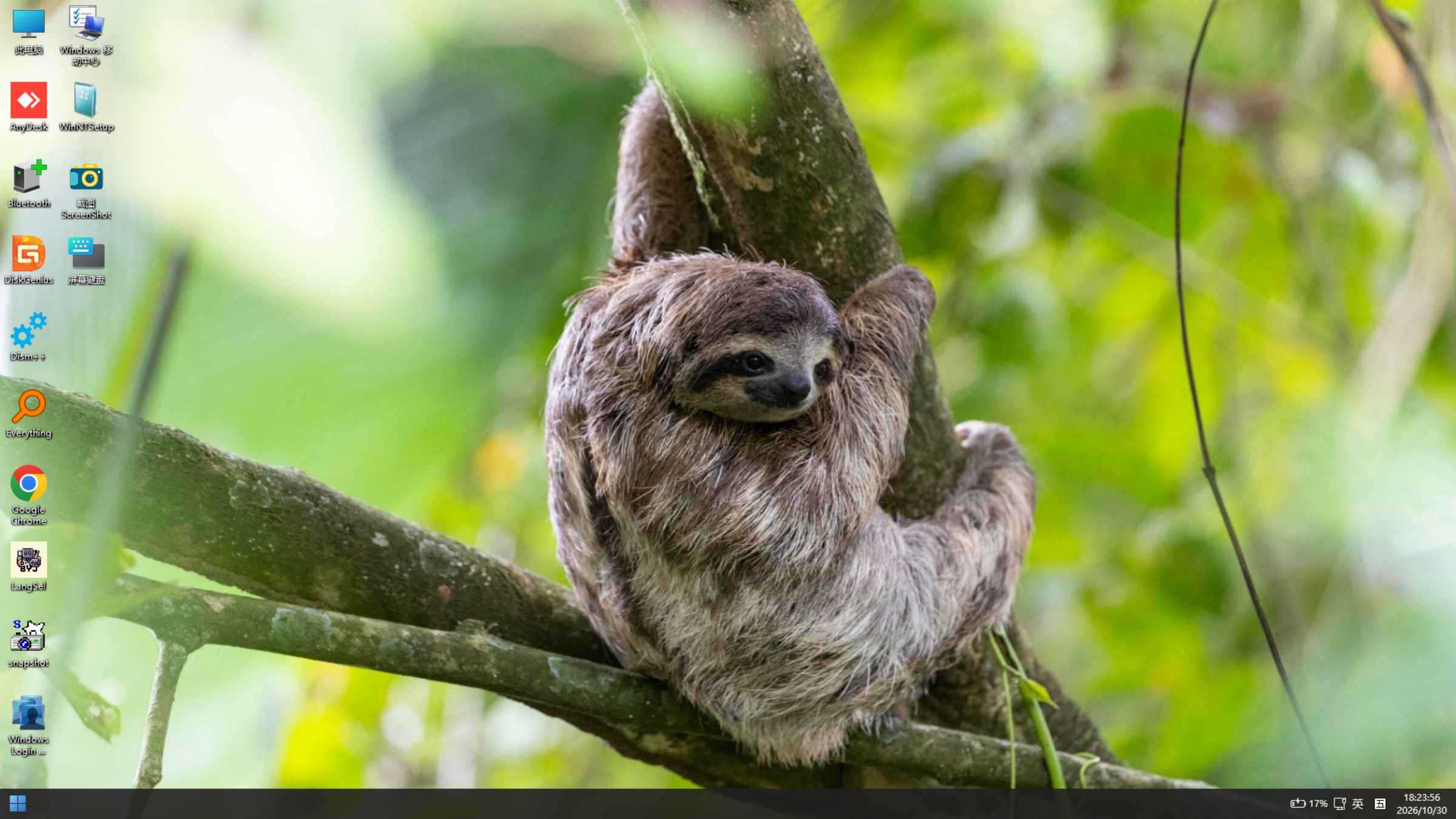
DESKTOP PREVIEWARM64
BYDJ PE / V4.0.1
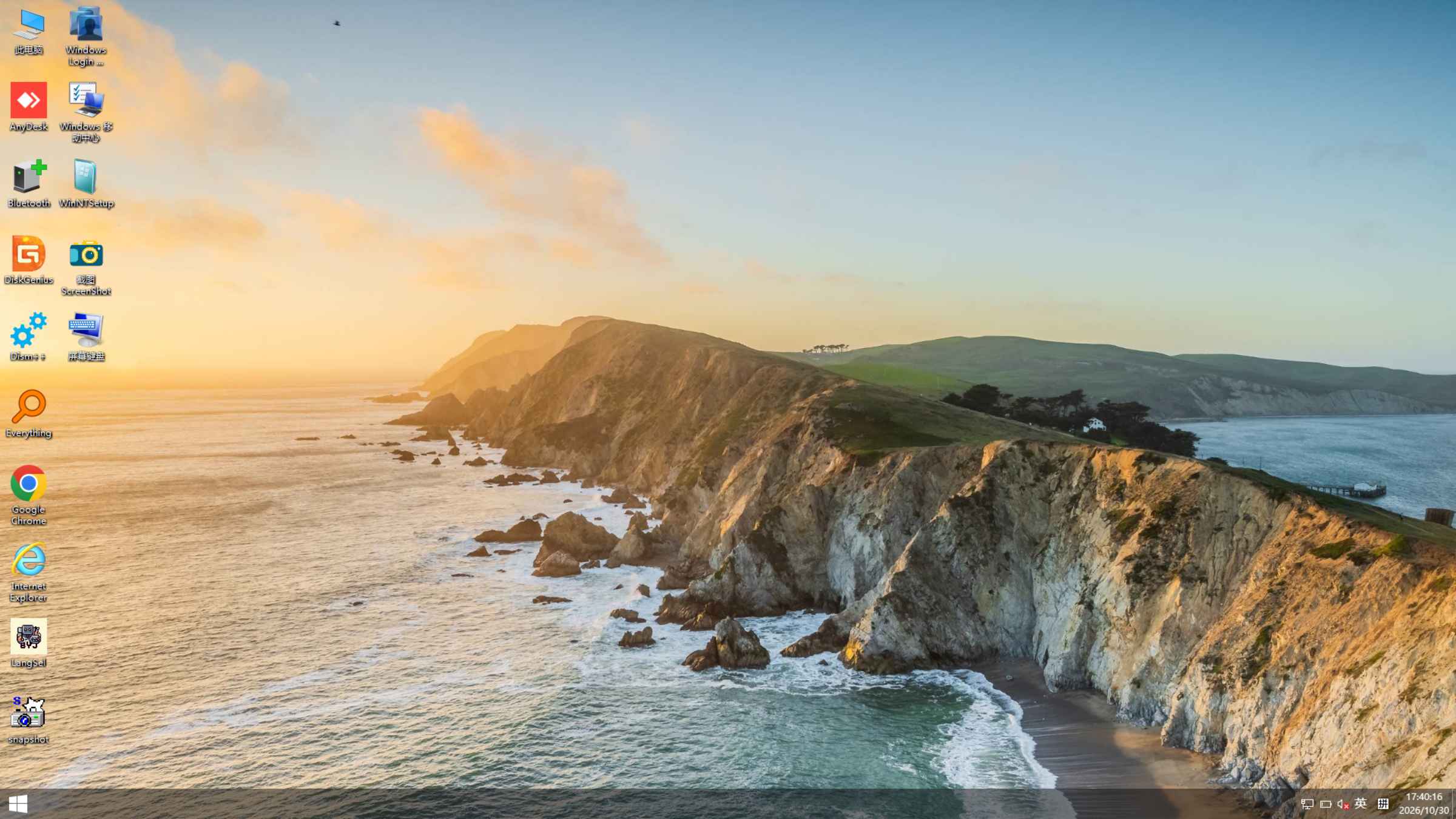
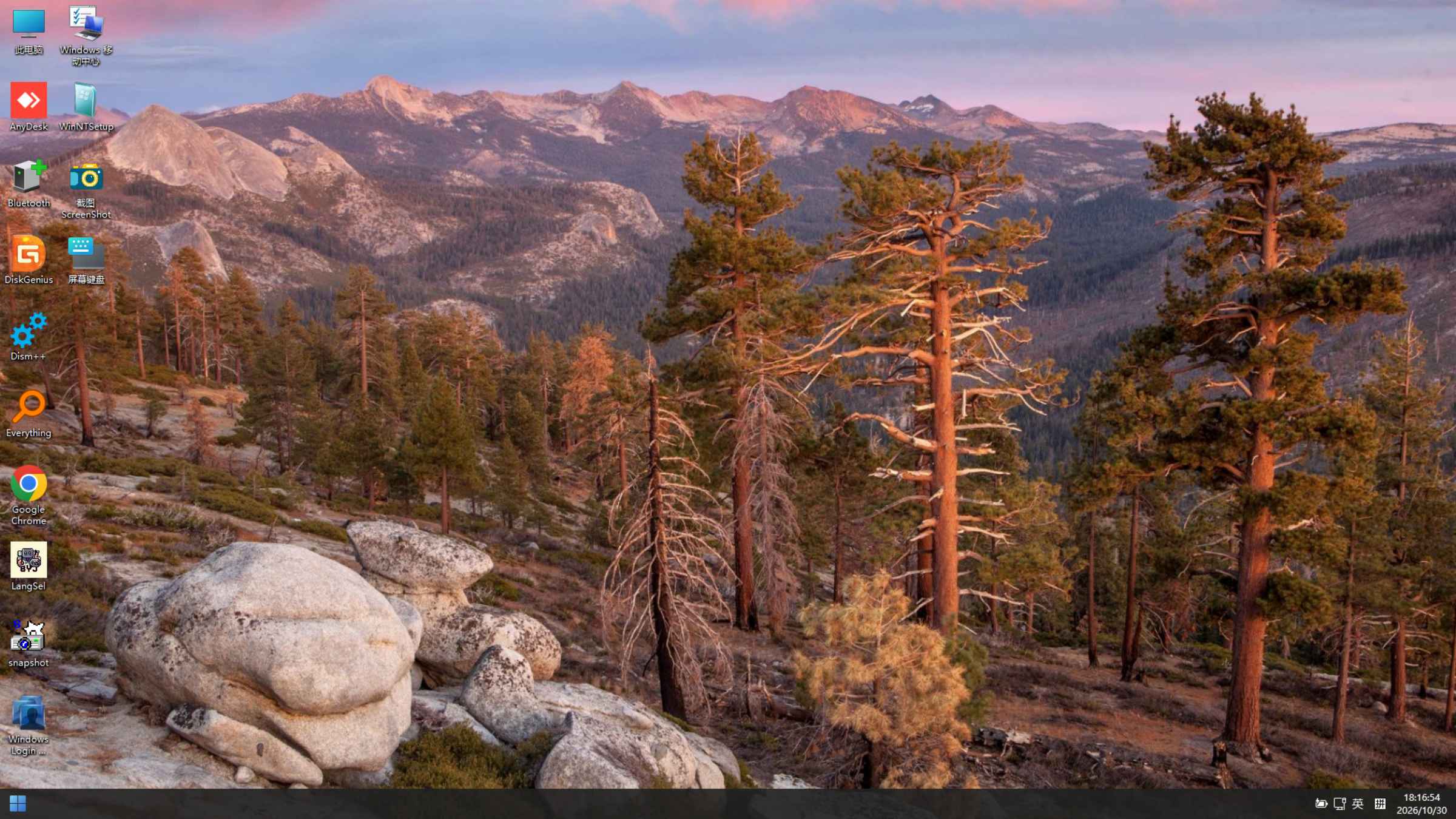
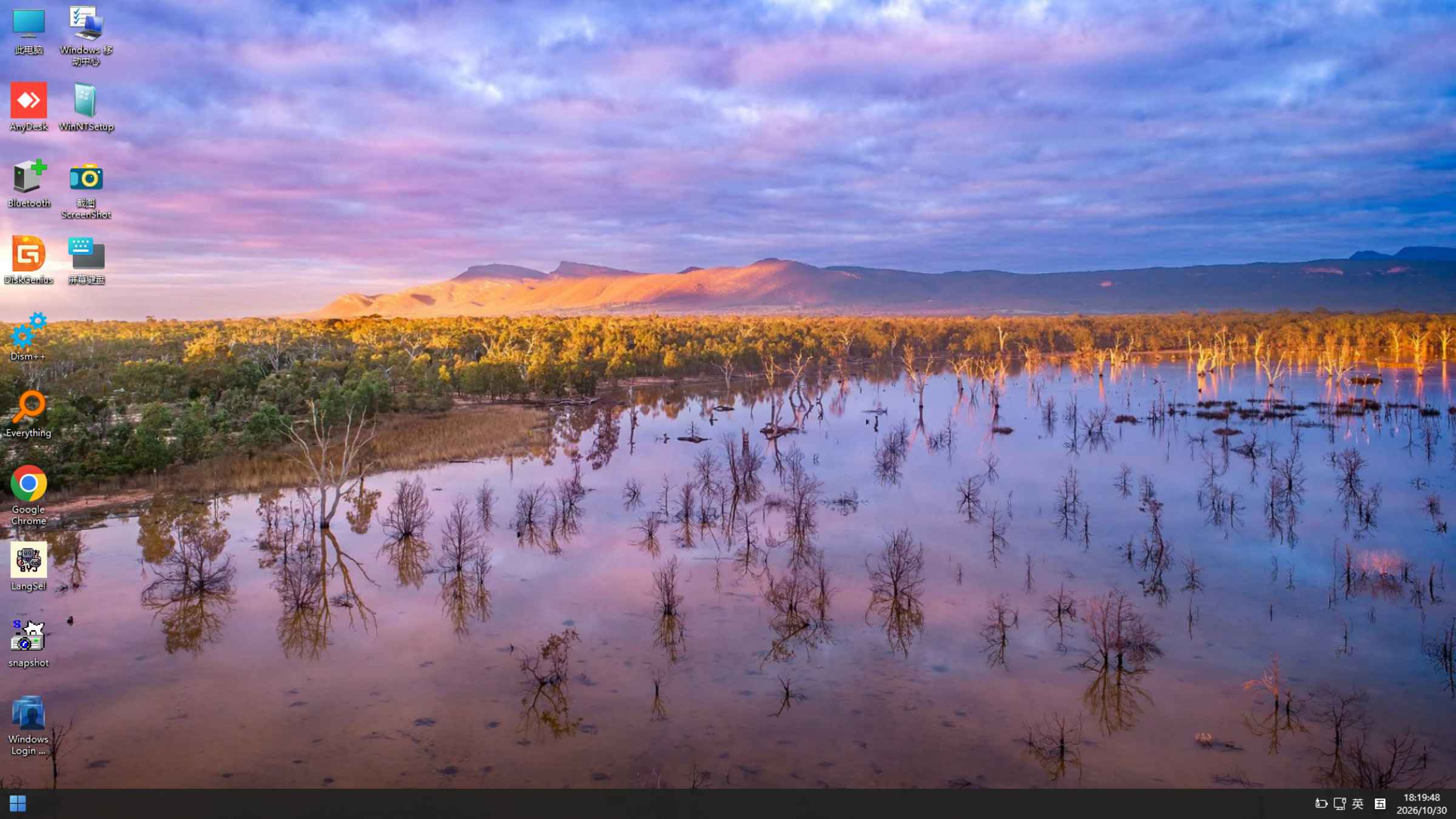
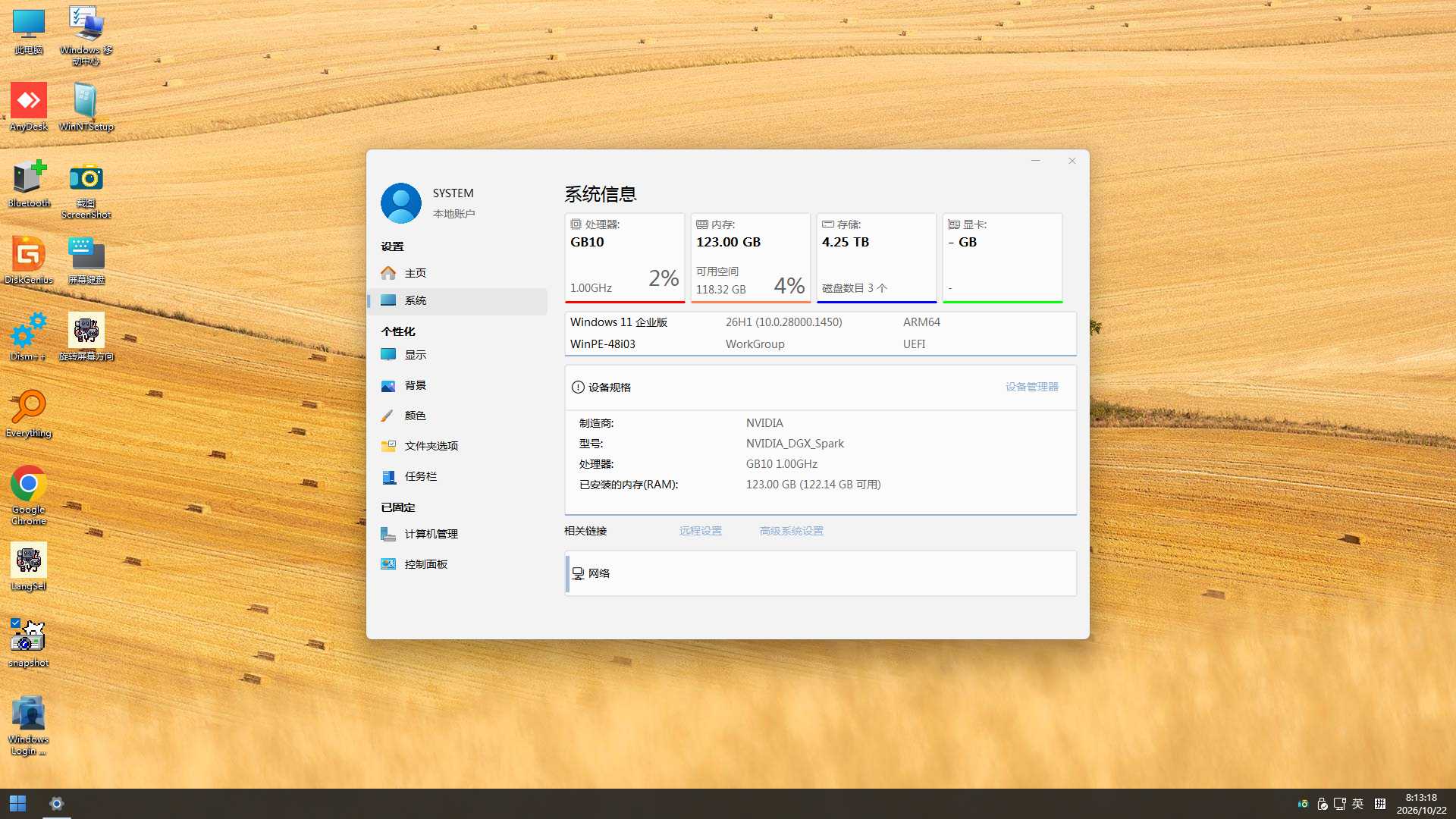
BYDJ PE V4.0.1 desktop screenshot
Built for Arm
Familiar Windows experience Built for maintenance No bundled extrasExplore
On this pageEXPLORE BYDJ PEScreenshotsChangelogVersion guideNotes & disclaimer
01 / A CLOSER LOOK

Three builds. One maintenance toolkit.

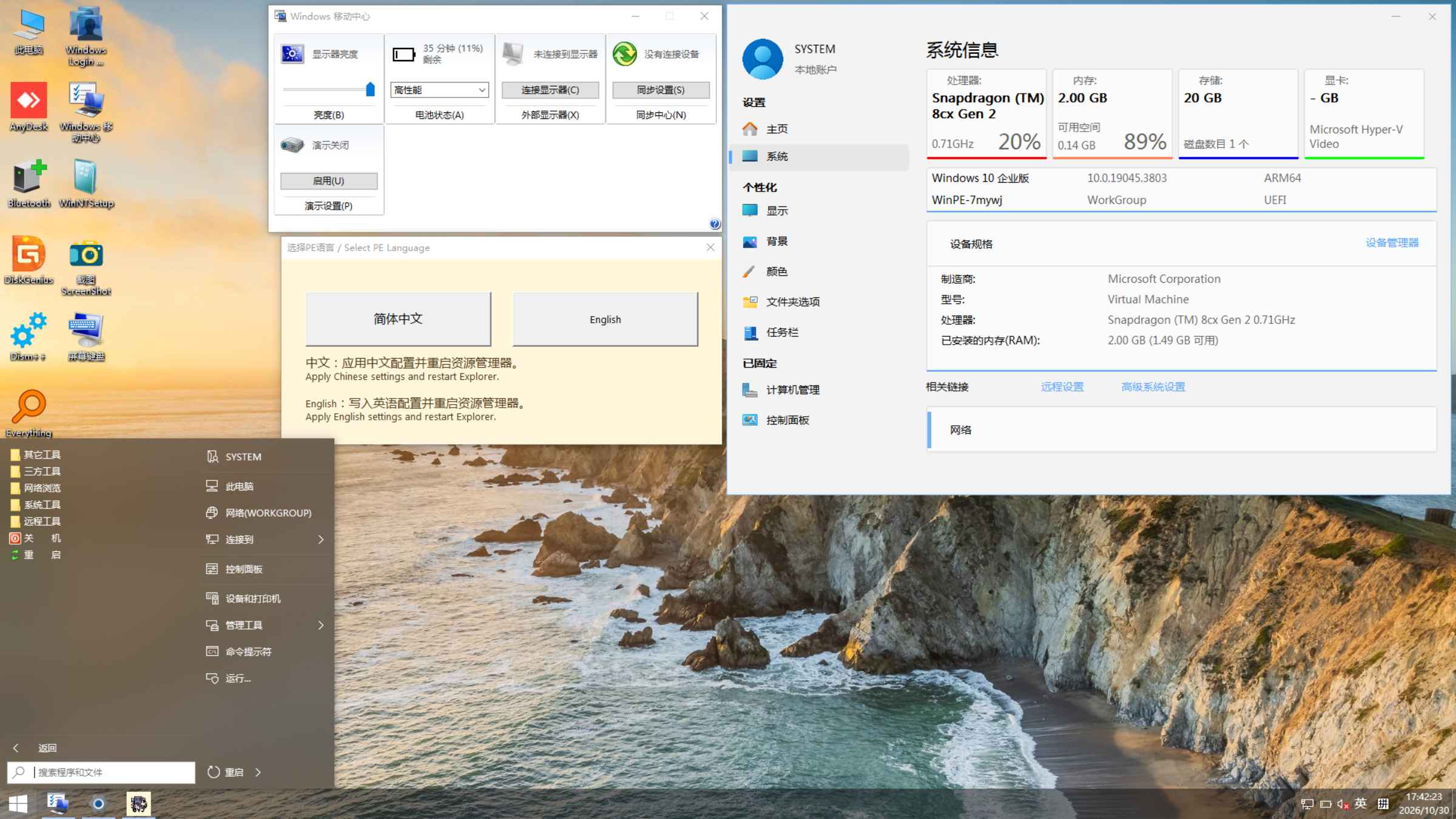
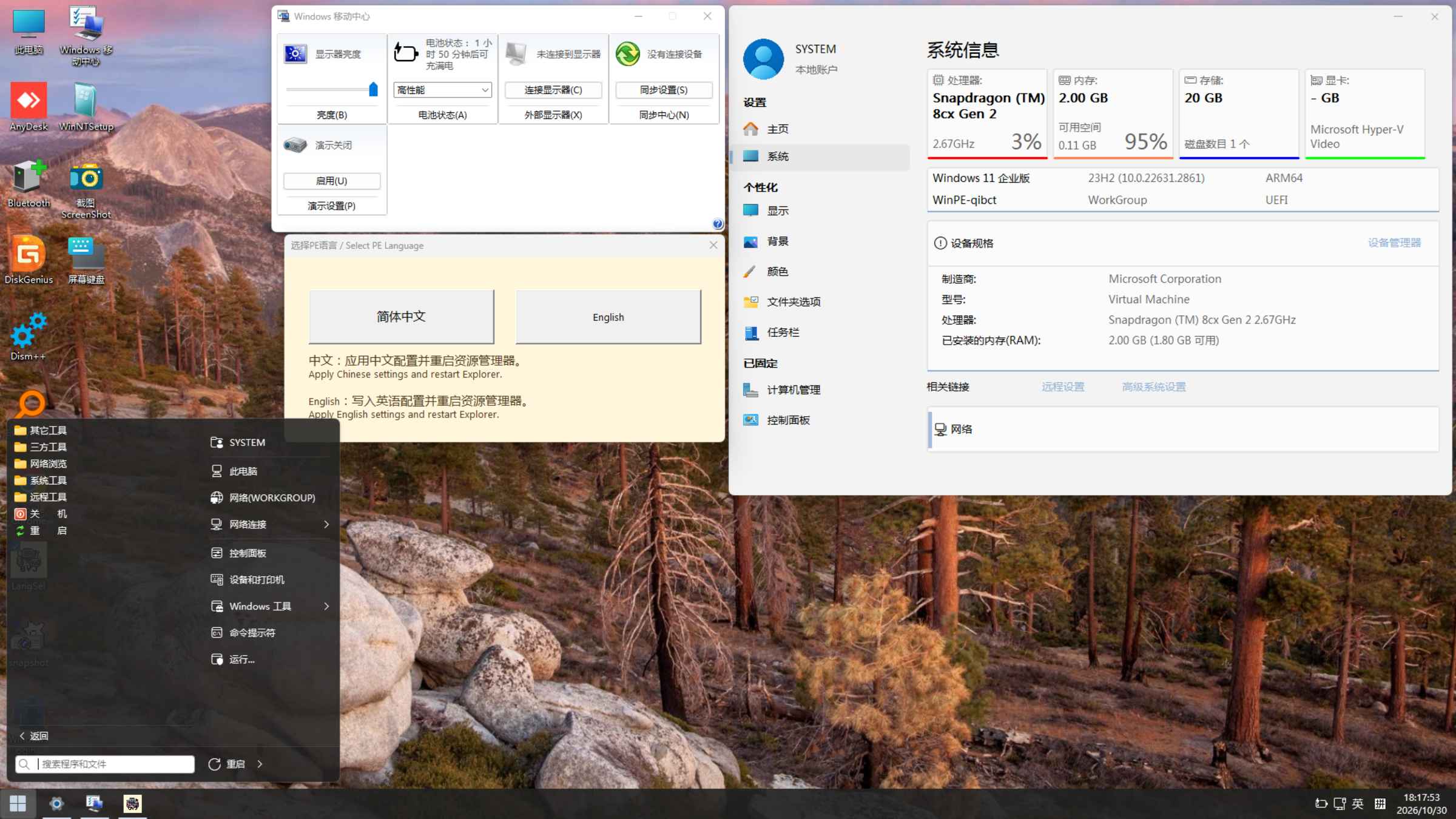
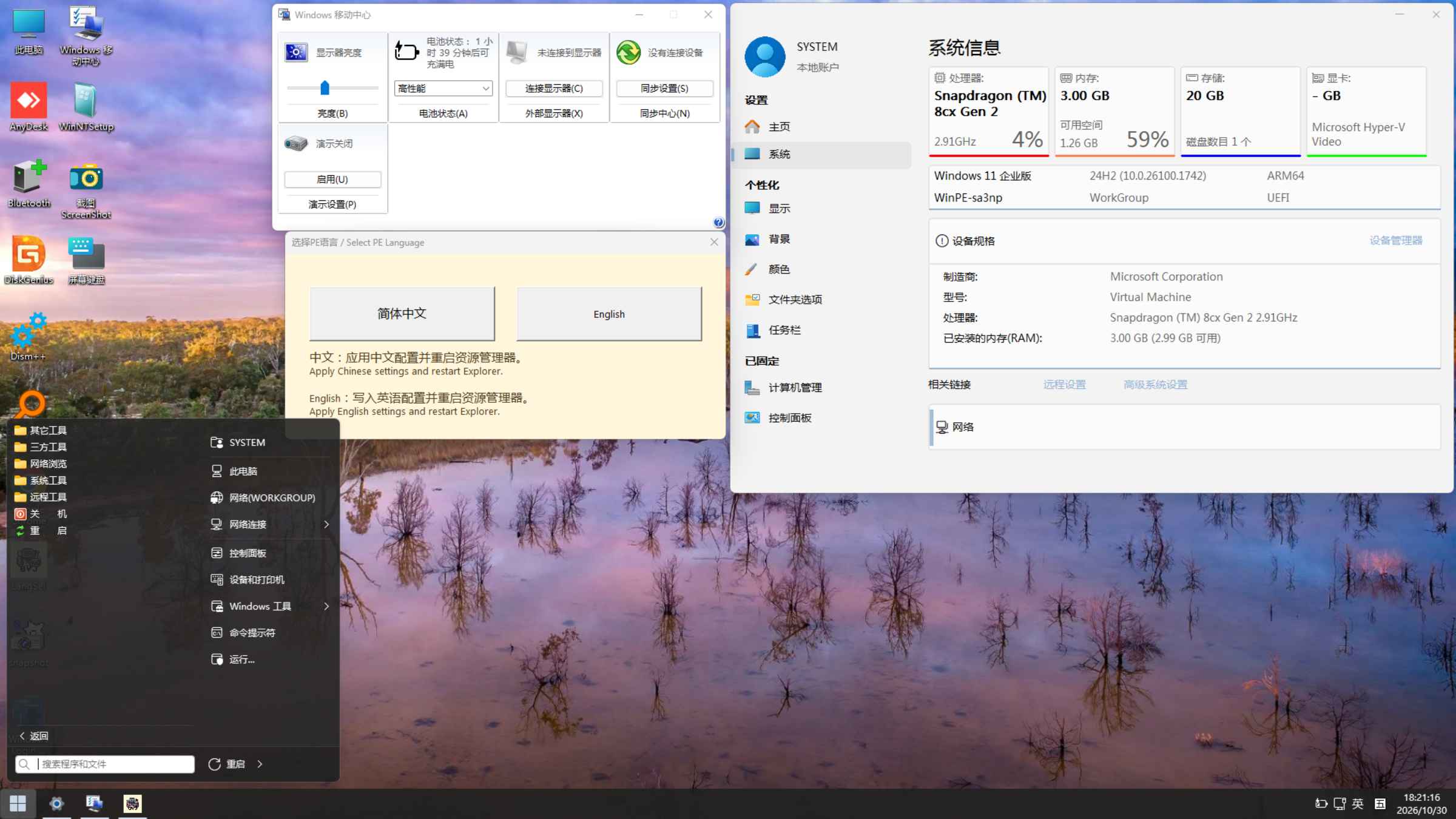
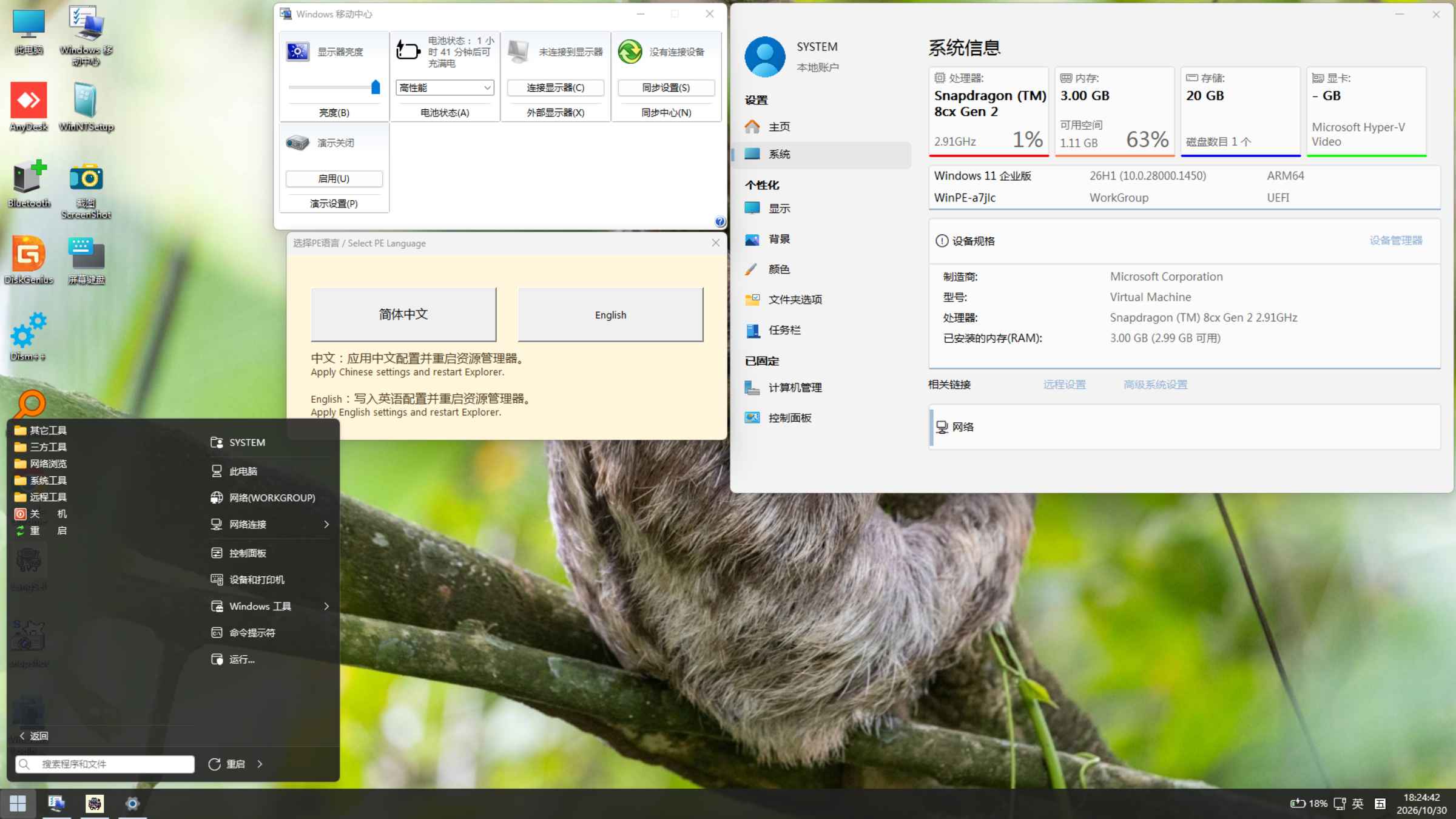
Explore all three editions below. Screenshots retain the original interface; PE supports both Chinese and English.

Select an image to enlarge
DEVICE COMPATIBILITY

Device compatibility

Snapdragon platforms

Virtual machines on Apple M-series computers

Raspberry Pi models capable of running Windows

Choosing a version: For devices older than Snapdragon 850, use V0.0.1. For Snapdragon X Elite, use V3.0.1 or V4.0.1. For Snapdragon X2 Elite, use V4.0.1.

Compatibility tip: On devices older than Snapdragon 8cx Gen 2, try V0.0.1 if you encounter compatibility problems.

If one of these devices encounters a blue screen, try booting without adding nonessential drivers.

For compatibility questions about other China-developed Arm processors, contact the processor manufacturer or Microsoft.

Current release

V0.0.1Windows 10 22H2 · 19045.3803Updated:

  1. Active maintenance begins for the new Windows 10 Arm edition of BYDJ PE.
  2. Incorporates further work from the PE created by Wo Shi Xiao Qing Wa.
  3. This is the first release in the series, so there are no earlier changes to list.
Current release

V3.0.1Windows 11 24H2 · 26100.1742Updated:

  1. A minor update to V3.0.0.
  2. Incorporates further work from the PE created by Wo Shi Xiao Qing Wa.
  3. Improved system stability.
  4. Improved responsiveness.
  5. Added maintenance tools.
  6. Added Chinese and English language support.
  7. Updated the wallpaper.
Current release

V4.0.1Windows 11 26H1 · 28000.1450Updated:

  1. A minor update to V4.0.0.
  2. Incorporates further work from the PE created by Wo Shi Xiao Qing Wa.
  3. Improved system stability.
  4. Improved responsiveness.
  5. Added maintenance tools.
  6. Added Chinese and English language support.
  7. Updated the wallpaper.

Historical releases

V4.0.0 Windows 11 26H1 · 28000Updated: 2026.05.02

0. Updated the Windows base to Windows 11 26H1, build 10.0.28000.1.

1. Incorporates further work from the PE created by Wo Shi Xiao Qing Wa.

2. Improved system stability.

3. Improved responsiveness.

4. Added third-party maintenance tools and networking applications.

5. Added support for Snapdragon X2 Elite devices.

6. Updated the wallpaper.

V3.0.0 Windows 11 24H2 · 26100Updated: 2025.12.06

0. Updated the Windows base to Windows 11 24H2, build 10.0.26100.1742.

1. Incorporates work from the PE created by Wo Shi Xiao Qing Wa.

2. Improved system stability.

3. Improved responsiveness.

4. Added a wider range of third-party maintenance tools and networking applications.

5. Restored Bluetooth support.

6. Added support for Snapdragon X Elite devices.

7. Updated the wallpaper.

V2.0.1 Windows 11 22H2 · 22621Updated: 2024.05.22/2024.06.15

1. Attempted to add Snapdragon X support; subsequent testing showed that these devices were not yet supported.

2. Added compatibility with Microsoft’s BlackLotus-related security updates.

3. Reduced the number of background processes at startup.

4. Fixed an issue that prevented the ISO from booting (2024.06.15).

5. Updated the wallpaper.

V2.0 Windows 11 22H2 · 22621Updated: 2024.05.08

1. Rebuilt PE to improve responsiveness and stability.

2. Added full Wi-Fi support; no web browser was included.

3. Added maintenance applications.

4. Updated the wallpaper.

V1.4 Windows 11 23H2 · 22631.2428Updated: 2024.04.08

1. Changed the boot animation to the Windows 11 style.

2. Switched to Windows 11-style mouse pointers.

3. Added WinXShell for adjusting display orientation, scaling, resolution and other settings from the desktop context menu.

4. Fixed a crash when opening Services from Computer Management.

5. Fixed black screens triggered by certain shortcuts.

6. Refined the Start menu.

7. Refined context menus.

8. Disabled File Explorer’s compact view by default.

9. Updated the wallpaper.

V1.3 Windows 11 23H2 · 22631.2428Updated: 2024.03.26

1. Fixed an issue that prevented drivers from taking effect.

2. Added battery level display.

3. Added graphics driver support for a smoother interface. You must import the appropriate graphics driver yourself.

4. Disabled automatic screen rotation at startup. Use the desktop shortcut for screen rotation to change the orientation.

5. Refined the taskbar.

6. Updated the wallpaper.

V1.2 Windows 11 23H2 · 22631.2428Updated: 2024.02.07

1. Download the ISO image, or download and extract the ZIP archive and run its EXE installer to add PE to your system.

2. Refined File Explorer.

3. Fixed an error when opening images.

4. Removed approximately 23 startup processes.

5. Fixed the display of shortcut names in the Start menu.

6. Updated the wallpaper.

V1.1 Windows 11 23H2 · 22631.2428Updated: 2024.01.05

1. Switched to PECMD for launching File Explorer.

2. Added automatic detection of screen orientation from driver information. A Command Prompt window may briefly appear while detection runs at startup; no action is needed.

3. Fixed the Shut down and Restart buttons in the Start menu.

4. Refined File Explorer.

5. Fixed an issue that prevented the ISO from booting.

6. Updated the wallpaper.

V1.0 Windows 11 23H2 · 22631.2428Updated: 2024.01.01

1. Initial project announcement.

03 / VERSION GUIDE

Identify your version by its wallpaper

Versions & wallpapers

Use the wallpaper as a visual reference. The last three entries are the current releases.

V1.0 — Green

V1.1 — Pink

V1.2 — White

V1.3 — Blue

V1.4 — Purple

V2.0 — Yellow

V2.0.1 — Red

V3.0.0 — Blue and green

V4.0.0 — A house surrounded by flowers

V0.0.1 — A forest landscape

V3.0.1 — A mountain landscape

V4.0.1 — A golden wheat field

For a visual reference, visit the Versions & Wallpapers page, which includes wallpapers from current and historical releases.

Use a currently maintained release whenever possible. If you need an older version for troubleshooting, obtain it from a trusted source to avoid unauthorized modifications. Historical releases are publicly available as described below.

04 / BEFORE YOU START

Before you begin

Modifying BYDJ PE

Do not publicly distribute modified versions of BYDJ PE without authorization. Modifications may be used for internal testing, but not released publicly without permission.

If you discover that your copy has been modified without authorization, stop using it and delete it. Continuing to use it is at your own risk.

Authorized derivative maintainer

One maintainer is currently authorized:

YLX

Notes & disclaimer

Some antivirus tools may flag the installer. Confirm that your download comes from a trusted source before following the installation guide.

Installing PE is intended to leave the existing boot setup working. If you encounter a boot problem, investigate the cause before making further changes.

If you are unfamiliar with a tool, consult its documentation or seek qualified assistance. The project accepts no responsibility for losses caused by improper use.

BYDJ PE is distributed without ads, fees, unwanted bundled software or browser hijacking. Always check that your copy is from a trusted source. If you do not trust it, delete it and use Microsoft’s original installation media instead.

Materials on this site are collected from the internet for learning and research. The project asks that test copies be deleted within 24 hours of testing. Copyright remains with the original rights holders. For ongoing use, obtain a genuine Microsoft license.